
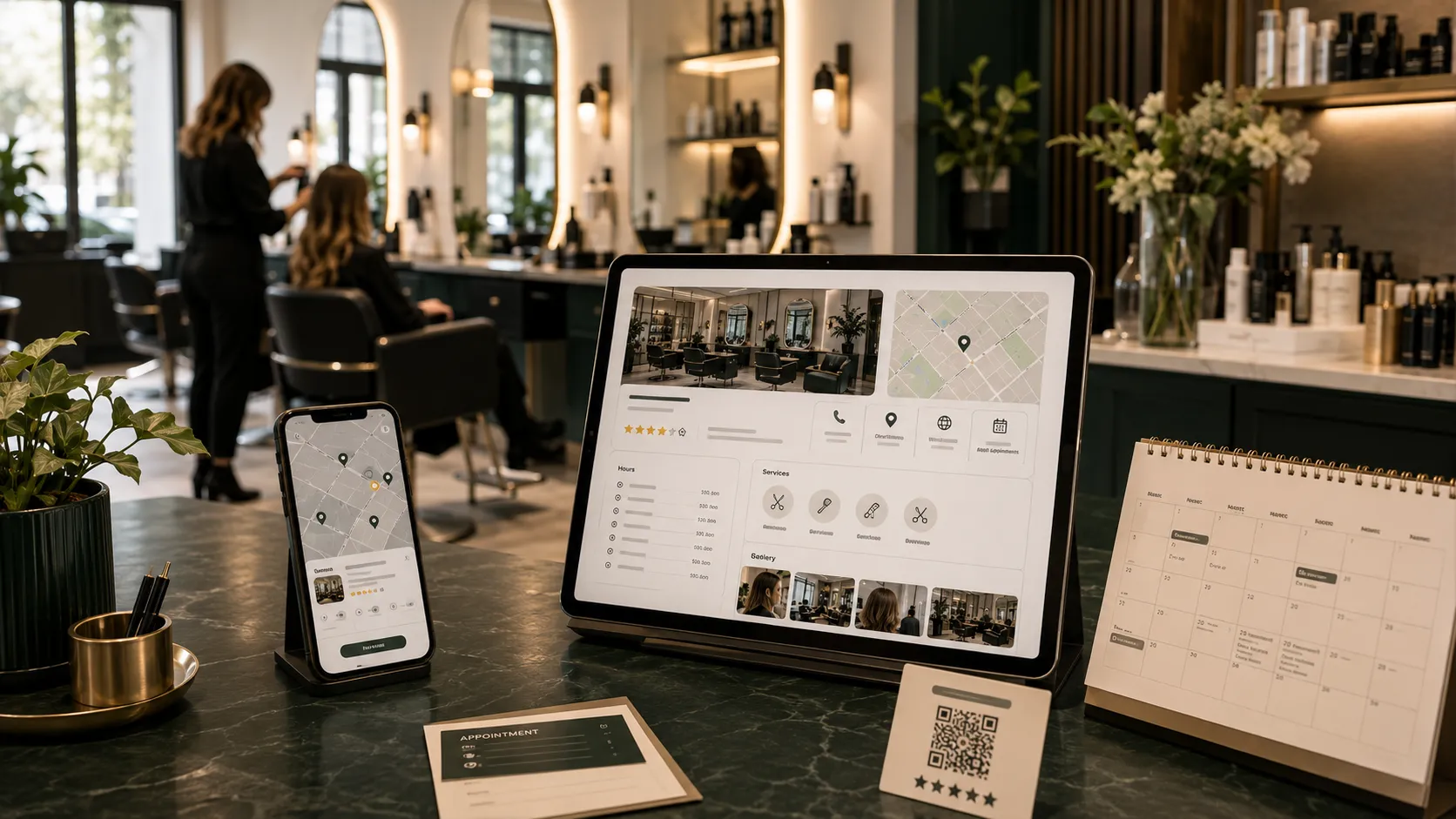

When potential clients need a haircut, facial, manicure, lash appointment, or other beauty service, many begin with a local Google search. They may search for phrases such as “salon near me,” “balayage specialist nearby,” “best nail salon,” or “barbershop open now.”
Your Google Business Profile can place important information about your salon directly in Google Search and Maps. Clients can view your location, opening hours, telephone number, services, photos, reviews, website, and booking options before they ever visit your website.
Google states that complete and accurate business information can make a business more likely to appear in relevant local results. Local rankings are primarily influenced by relevance, distance, and prominence, so there is no single setting that guarantees the top position. However, a well-maintained profile can help Google understand your salon and give potential clients more confidence to book.
Here is how to optimize your Google Business Profile for a salon and turn more local searches into appointments.
Claim and Verify Your Salon Profile
The first step is to claim and verify the correct Business Profile for your salon.
Verification helps confirm that you are authorized to represent the business. It also gives you control over important information such as your hours, address, services, photos, and booking links.
Before creating a new profile, search Google for your salon name and location. Your business may already have an unclaimed listing created from publicly available information or customer contributions.
If a listing already exists, request ownership instead of creating a duplicate. Duplicate profiles can confuse customers and divide reviews, photographs, and other business information across multiple listings.
After claiming the profile, complete the verification process offered by Google. Available verification methods may vary by business and location.
Use Your Real Salon Name
Enter the salon name exactly as it appears in the real world.
Your Google Business Profile name should match the name used on your:
- Storefront signage
- Website
- Appointment system
- Social media profiles
- Business documents
- Customer communications
Do not add extra services, locations, promotional phrases, or keywords unless they are genuinely part of your established business name.
For example, if your salon is called “Willow Hair Studio,” avoid changing the profile name to:
“Willow Hair Studio Best Balayage Salon and Hair Extensions in Austin”
Google’s guidelines state that the profile name should reflect the real-world name used consistently by the business. Adding unnecessary keywords can make the listing look unprofessional and may create profile-policy problems.
Your services and location can be added in the appropriate profile sections instead of being forced into the business name.
Choose the Most Accurate Primary Category
Your primary category helps Google understand the main nature of your business.
Choose the most specific category that accurately describes your salon. Depending on your business, this may be:
- Hair salon
- Beauty salon
- Nail salon
- Barber shop
- Spa
- Facial spa
- Eyelash salon
- Hair removal service
- Medical spa
The exact categories available may vary.
Your primary category should describe the service that best represents the overall business. You can then add a limited number of relevant secondary categories for important services that you genuinely provide.
For example, a salon whose main business is hair services may use “Hair salon” as its primary category and add relevant secondary categories if it also provides bridal styling or beauty treatments.
Do not add every beauty-related category simply to appear in more searches. Google recommends using as few categories as necessary and selecting categories that are specific and representative of the business. Categories should not be used merely as keywords.
Add Accurate Contact and Location Information
Your contact information should be complete and consistent.
Review your:
- Salon address
- Telephone number
- Website address
- Appointment link
- Opening hours
- Service area, where applicable
- Map location marker
A salon that serves clients at a physical location should generally display the correct customer-facing address.
Make sure the map marker points to the correct entrance, particularly when the salon is located inside a shopping center, commercial complex, hotel, shared building, or salon suite.
Use a local telephone number that clients can reach during business hours. Ensure someone answers calls or returns missed calls promptly.
Your website link should lead to a working, mobile-friendly website. Avoid sending people to an expired domain, unfinished page, or social profile when your website provides a better booking experience.
Google Business Profile allows businesses to display information such as their location, hours, website, and telephone number directly in Search and Maps.
Keep Regular and Special Hours Updated
Incorrect hours can quickly damage trust.
Clients may search for your salon, travel to the location, and discover that it is closed. Even if the mistake was unintentional, that experience can lead to frustration and a negative review.
Set your normal operating hours and update them whenever your schedule changes.
Also review special hours for:
- Public holidays
- Seasonal schedules
- Staff training days
- Temporary closures
- Special events
- Extended holiday hours
- Private appointment days
Google specifically recommends keeping both regular and special hours current so customers know when they can visit.
If your salon works by appointment only, make that clear wherever the profile allows it, while still providing accurate availability information.
Write a Clear Salon Business Description
Your business description should help potential clients understand what your salon does and why they should consider booking.
A useful description may include:
- Your salon type
- Your location or neighborhood
- Your main services
- Your areas of specialization
- The client experience
- What makes your approach different
- Whether consultations are available
Write naturally for clients rather than stuffing the description with repeated search phrases.
For example:
“Willow Hair Studio is a modern hair salon serving clients in North Austin. Our stylists specialize in dimensional color, balayage, precision cuts, smoothing treatments, and event styling. Every appointment begins with a personalized consultation so we can recommend a service based on your hair, lifestyle, and maintenance preferences.”
This description tells customers what the salon offers without sounding repetitive or artificial.
Avoid exaggerated claims such as “the number one salon in the city” unless you have credible evidence and permission to make that claim.
Do not fill the description with discount codes, excessive capitalization, unrelated locations, or misleading services.
Add Your Salon Services
Do not rely only on your main category to explain everything your salon offers.
Add your important services to the profile and organize them clearly where the feature is available.
A hair salon might include:
- Women’s haircut
- Men’s haircut
- Blowout
- Balayage
- Highlights
- Root color
- Color correction
- Hair extensions
- Keratin treatment
- Bridal hair
- Styling consultation
A nail studio might include manicures, pedicures, gel services, structured manicures, extensions, and nail art.
For each service, provide a clear name and useful description. Where suitable, include transparent pricing or a starting price.
Avoid creating multiple nearly identical services only to repeat keywords. Each entry should help a potential client understand a genuine service.
Service descriptions should answer practical questions, such as who the treatment is for, what it includes, and whether a consultation is required.
Add a Direct Booking Link
Make it easy for clients to move from search to appointment.
If your salon uses an online scheduling platform, add the most relevant booking link to your profile where the feature is available.
The link should lead directly to a useful booking destination rather than forcing clients to navigate through multiple pages.
Before adding it, check that:
- The page loads quickly on mobile
- Services are clearly organized
- Pricing or deposit requirements are explained
- Available times are current
- The salon location is clear
- The confirmation process works
- Tracking is properly configured
Hair salons may be eligible to display appointment-booking links in their profiles, although link features and availability can vary by business category and region. Google also reviews business links for accuracy and policy compliance.
If clients usually need a consultation before booking, send them to a consultation form or service-specific landing page rather than an unsuitable general calendar.
Upload High-Quality, Authentic Photos
Salon clients want to see where they are going and what kind of results they can expect.
Use real, current photographs instead of relying mainly on stock images.
Important salon photographs include:
- Exterior and entrance
- Reception area
- Styling stations
- Treatment rooms
- Team members
- Salon atmosphere
- Before-and-after results
- Hair, nail, lash, brow, or skincare work
- Tools and sanitation setup
- Product displays
- Parking or building access
An exterior photograph helps first-time clients recognize the salon when they arrive. Interior images help them understand the atmosphere and level of professionalism.
Google recommends adding category-specific photographs and allows businesses to show customers their location, services, and story through photos and videos.
Photographs should be:
- Bright and clearly focused
- Accurate in color
- Properly framed
- Free from heavy filters
- Representative of the real experience
- Uploaded with client permission where necessary
Avoid overly retouched transformation photos. If hair color, skin texture, or service results look unrealistic, potential clients may question the credibility of the work.
Add new photographs regularly so the profile does not appear abandoned.
Publish Useful Business Updates
Google Business Profile updates can help you communicate current information to people viewing your salon.
Possible topics include:
- New services
- Seasonal packages
- Holiday availability
- Bridal consultation periods
- Team introductions
- Salon updates
- Educational tips
- Limited appointment availability
- Recent transformations
- Events or workshops
Keep each update focused and useful. Include a relevant image and a clear next step, such as visiting a service page, booking an appointment, or contacting the salon.
Do not use updates only for repeated discounts. A combination of educational, service-focused, and promotional content creates a more trustworthy presence.
Review published updates periodically and remove or replace information that is no longer accurate.
Build a Consistent Review Request System
Reviews can help potential clients evaluate your salon before booking. Google also states that review quantity and positive ratings can contribute to prominence, one of the factors used in local rankings.
Do not wait passively for reviews. Create a simple process that requests honest feedback from genuine clients.
You might ask for a review:
- After a successful appointment
- In a follow-up email
- Through an SMS message
- With a QR code at reception
- Through your appointment system
- In a personal thank-you message
A simple request might say:
“Thank you for visiting us today. We hope you love your result. If you have a moment, we would appreciate an honest Google review about your experience.”
Google allows businesses to share a review link or QR code with customers. However, offering free or discounted products or services in exchange for a review, a changed review, or the removal of a negative review is prohibited.
Ask for honest feedback rather than specifically demanding a five-star rating.
Respond to Every Review Professionally
Your review response is visible to more people than the original reviewer.
A thoughtful response shows potential clients that your salon pays attention to customer experiences.
For a positive review:
- Thank the client
- Reference the service naturally
- Recognize the stylist where appropriate
- Invite the client to return
For example:
“Thank you for sharing your experience. We are delighted that you loved your dimensional color appointment with Maya. We look forward to welcoming you back for your next refresh.”
For a negative review:
- Stay calm
- Avoid blaming the client
- Acknowledge the concern
- Do not reveal private information
- Invite an offline conversation
- Explain the next step briefly
For example:
“Thank you for bringing this to our attention. We are sorry that your experience did not meet expectations. Please contact our salon directly so we can review the appointment and discuss how we may assist.”
Do not argue publicly, post private appointment details, or pressure the reviewer to remove the feedback.
Google notes that responding to reviews demonstrates that a business values customer feedback, while helpful replies and positive reviews can help a profile stand out.
Keep Information Consistent Across the Web
Your salon’s core business information should be consistent across your website and important online profiles.
Review the name, address, telephone number, website, and hours listed on:
- Your website
- Google Business Profile
- Booking platforms
- Local directories
- Industry directories
- Chamber or association listings
- Bridal or beauty marketplaces
Minor formatting differences are not always a problem, but major inconsistencies can confuse clients.
If your salon moves, changes its telephone number, rebrands, or adjusts its hours, update the most important profiles promptly.
Your website should also contain a clear contact page with the correct business details and an embedded or linked map where useful.
Create Service-Specific Website Pages
Your Google Business Profile should connect to a website that supports the services mentioned in the listing.
Instead of relying on one short services page, create useful pages for important offerings such as:
- Balayage
- Hair extensions
- Bridal styling
- Curly hair services
- Color correction
- Facials
- Lash extensions
- Brow treatments
- Nail services
- Med-spa treatments
Each page should explain:
- What the service is
- Who it is suitable for
- The expected process
- Pricing guidance
- Maintenance
- Frequently asked questions
- How to book
This helps potential clients who move from your profile to your website find information relevant to their original search.
Salon owners who need help improving their local visibility, website, reviews, or booking process can explore SalonHarbor’s salon marketing services.
Avoid Google Business Profile Mistakes
Several mistakes can reduce trust or create unnecessary profile risks.
Adding Keywords to the Salon Name
Use the real business name rather than a list of services and locations.
Choosing Unrelated Categories
Select only categories that accurately represent your business.
Creating Duplicate Profiles
Claim and manage the existing salon profile whenever possible.
Using an Incorrect Address
Display the actual customer-facing location and place the map marker correctly.
Ignoring Holiday Hours
Update special hours before clients begin searching.
Uploading Only Stock Images
Potential clients want to see the real salon and real work.
Buying or Incentivizing Reviews
Request genuine feedback without rewards tied to posting or changing a review.
Posting Misleading Transformations
Use accurate photographs that represent achievable service results.
Ignoring Negative Reviews
A professional response can protect trust even when criticism cannot be removed.
Allowing Booking Links to Break
Test appointment links regularly on desktop and mobile devices.
Making Unnecessary Major Edits
Repeated changes to important details may create confusion or trigger additional review. Keep information accurate rather than changing it only to experiment with rankings.
Google may restrict profile content or account access when businesses violate its policies, so accuracy and truthful representation are more important than shortcuts.
Track Your Google Business Profile Performance
Optimization should be measured by meaningful customer actions.
Depending on available features, Business Profile performance reporting may show actions such as:
- Calls
- Website clicks
- Direction requests
- Booking activity
- Search and profile interactions
Google’s performance tools can report actions including calls, website clicks, directions, and eligible bookings. Business Profile data can also be connected with Google Analytics where the feature is available.
Review performance regularly and compare it with actual business records.
Track:
- New-client calls
- Booking-form submissions
- Online appointments
- Direction requests
- Service-page visits
- Review growth
- Enquiry-to-booking rate
- Revenue from new local clients
Ask new clients how they discovered your salon. This helps identify whether Google Search, Maps, Instagram, referrals, advertisements, or another channel influenced the booking.
Do not judge success only by profile views. The goal is to generate qualified enquiries and appointments.
Maintain the Profile Every Month
Google Business Profile optimization is not a one-time project.
Create a simple monthly routine:
- Confirm your hours and contact details.
- Test your website and booking links.
- Upload recent salon photographs.
- Add or update important services.
- Publish a useful business update.
- Request reviews from recent clients.
- Respond to new reviews.
- Check profile performance.
- Review suggested edits and customer-added information.
- Confirm that the salon’s website and other listings remain accurate.
This regular maintenance keeps the profile useful for clients and reduces the risk of outdated information.
Turn Local Searches Into Salon Bookings
A fully optimized Google Business Profile can help your salon become easier to discover and easier to trust.
The strongest profiles combine:
- Accurate business information
- A truthful salon name
- Relevant categories
- Clear service descriptions
- Current opening hours
- Authentic photos
- Genuine reviews
- Professional review responses
- A direct booking link
- Useful website pages
- Regular profile maintenance
- Performance tracking
No legitimate provider can guarantee that your salon will rank first for every local search. Google explicitly states that there is no way to request or pay for a better organic local ranking.
The better objective is to create the most accurate, complete, persuasive, and useful profile possible. When someone nearby searches for the services you offer, your profile should give them enough information and confidence to take the next step.
Salon owners who want their Google Business Profile, reputation, website, advertising, and client follow-up system managed professionally can compare SalonHarbor’s pricing plans or request a custom quote.